01
Media, your way
Adjust your device's media volume from the app's sound controls.
VOLUME CONTROL-SOUND LAUNCHER
A little more control over your everyday. Adjust your sound levels, open your apps, and find search and news right on your Android home screen.
Android 9+ · Free to download · Contains ads
Sound settings and a home screen.
One place to make yourself at home.
01 — THE CONTROLS
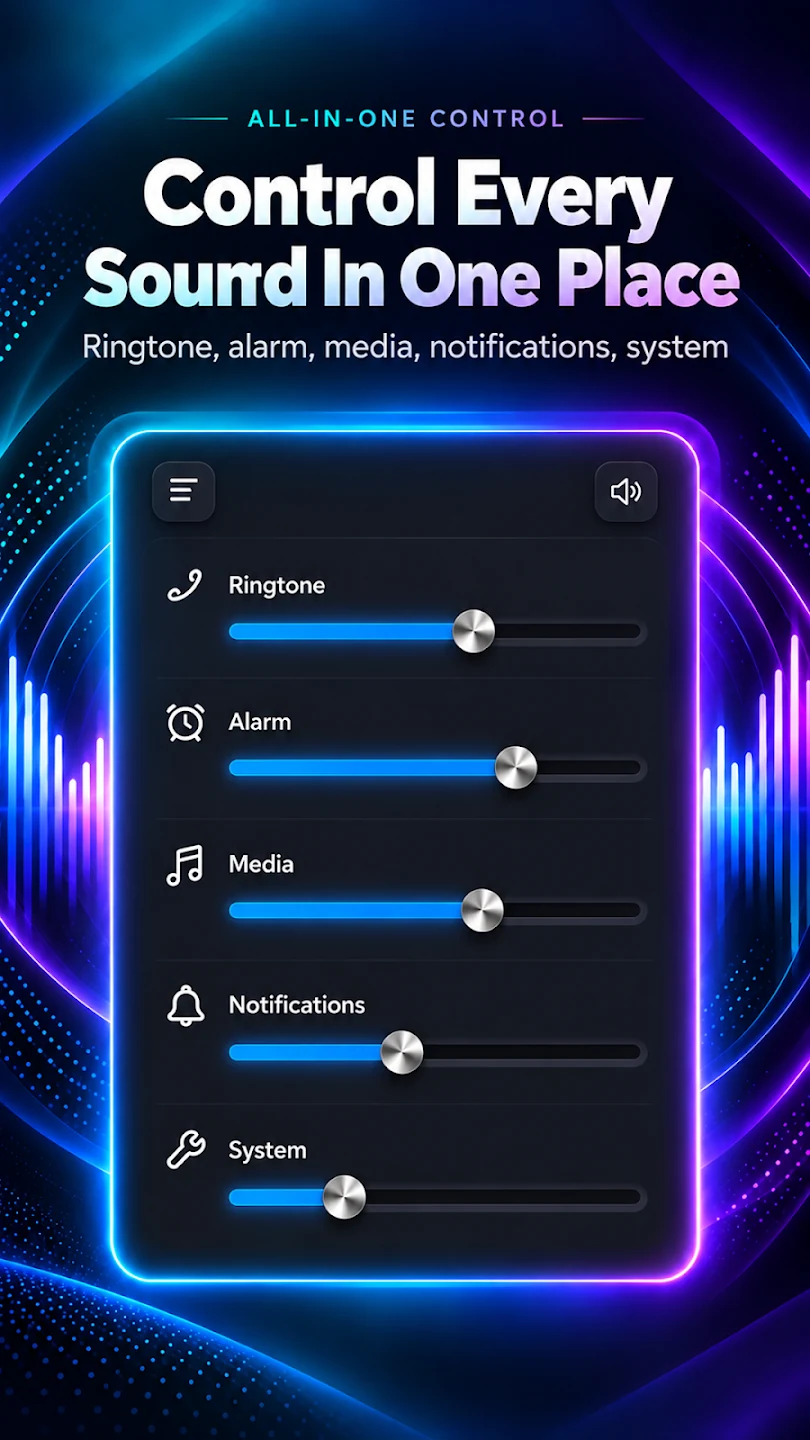
From your media to your morning alarm, find the sound controls your device supports. Then bring your everyday apps a little closer.
Adjust your device's media volume from the app's sound controls.
Change your ringtone volume using the settings supported by your phone.
Manage notification volume where your Android device makes it available.
Set alarm volume with your device's supported sound controls.
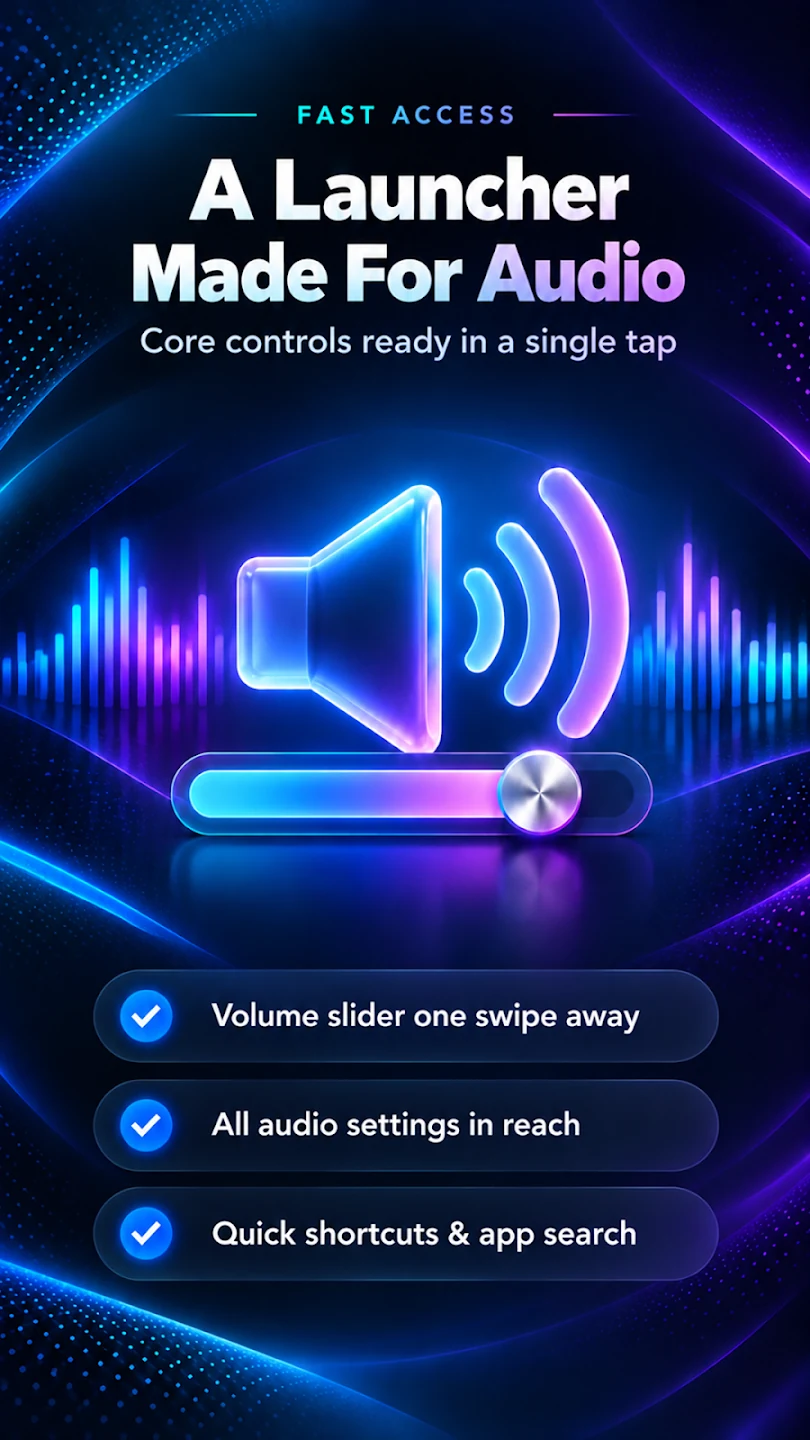
Browse and launch your installed apps from your launcher home screen.
Search online from your home screen. An internet connection is required.
View news from your launcher home screen while connected to the internet.
Get started without creating an account. No account or sign-in is required.
Available sound controls vary by device. Android may link some volume settings together.
02 — GET COMFORTABLE
A simple starting point for your sounds and your home screen.
Download Volume Control-Sound Launcher from Google Play on Android 9 or later. No sign-in is required.
Open the app and adjust the media, ringtone, notification and alarm controls supported by your device.
To use the home screen features, choose the app as your default Home app in Android settings.
03 — MORE THAN SOUND CONTROLS
Use Volume Control-Sound Launcher as your Android home screen to browse your installed apps, search online and view news.
04 — A CLOSER LOOK
Explore all six previews from Google Play.
Select any image for a full-size view.
A FEW EVERYDAY DETAILS
Sound controls depend on your Android device. Some volume settings may be linked by the system.
The app is free to download and contains ads. No account or sign-in is required. Read the privacy policy for details.
A LITTLE MORE YOU.
Sound controls and home screen essentials for your Android everyday.